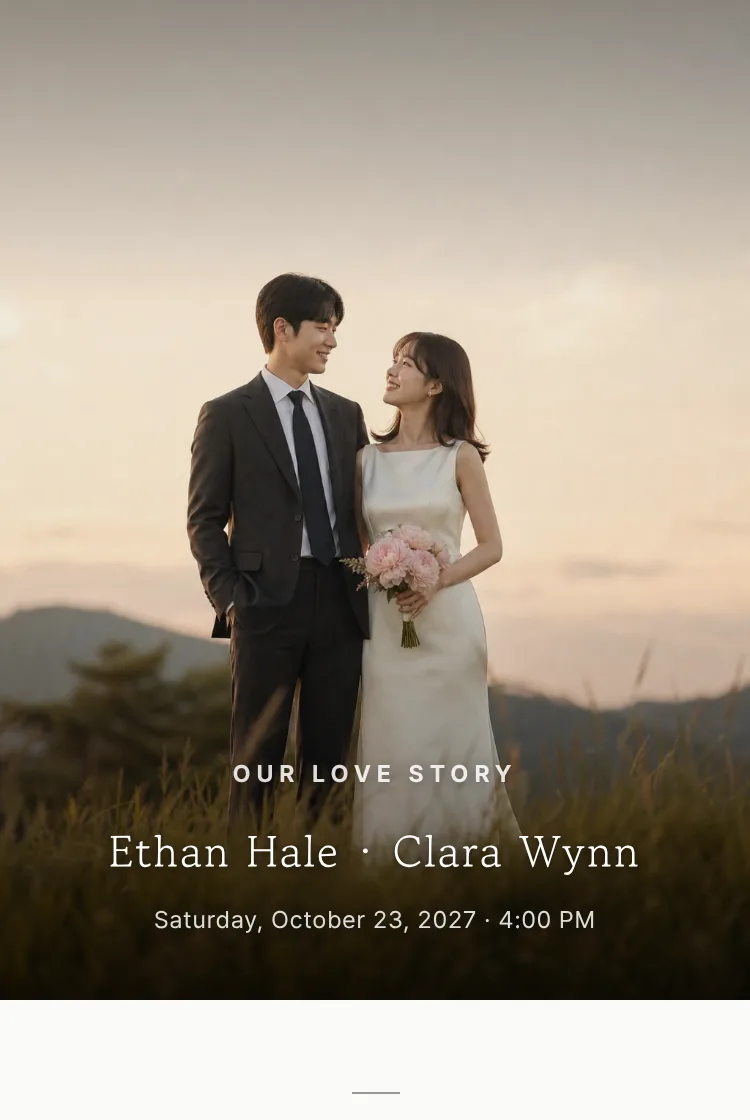
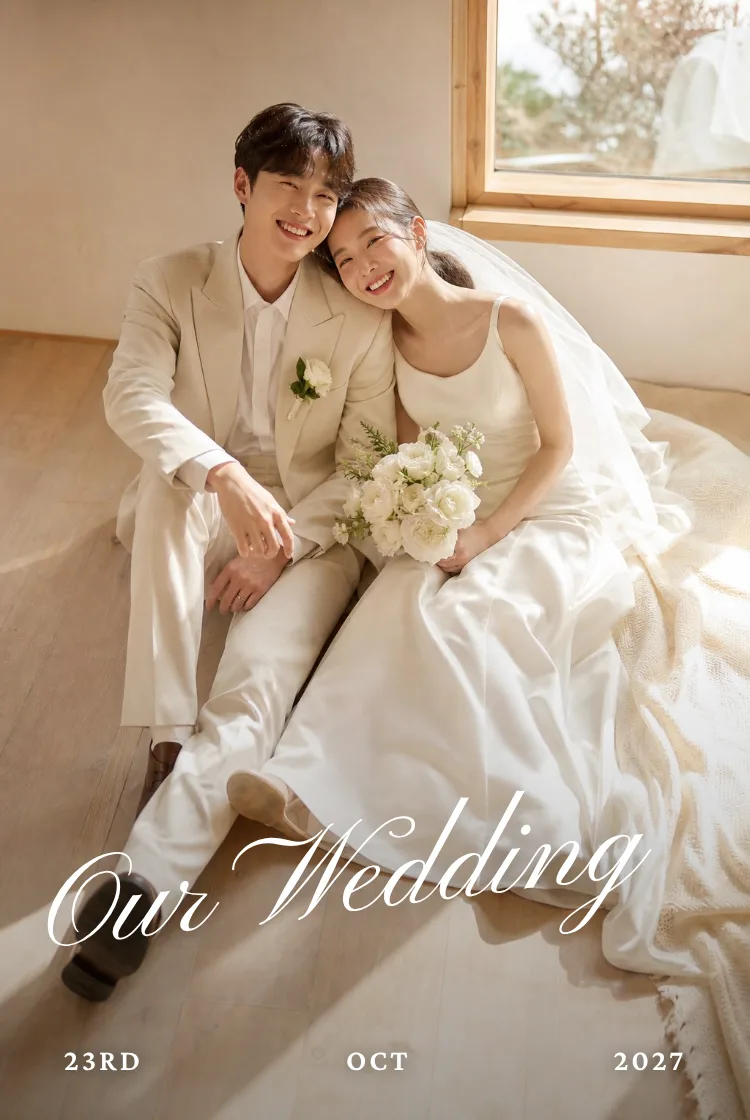
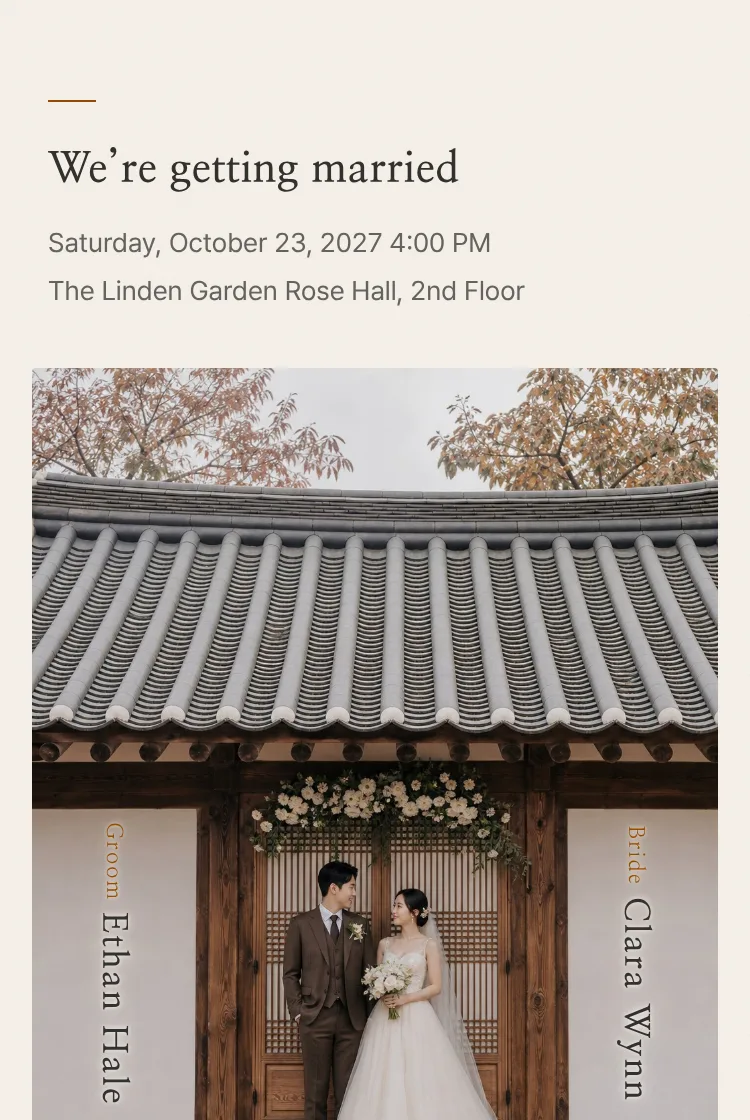



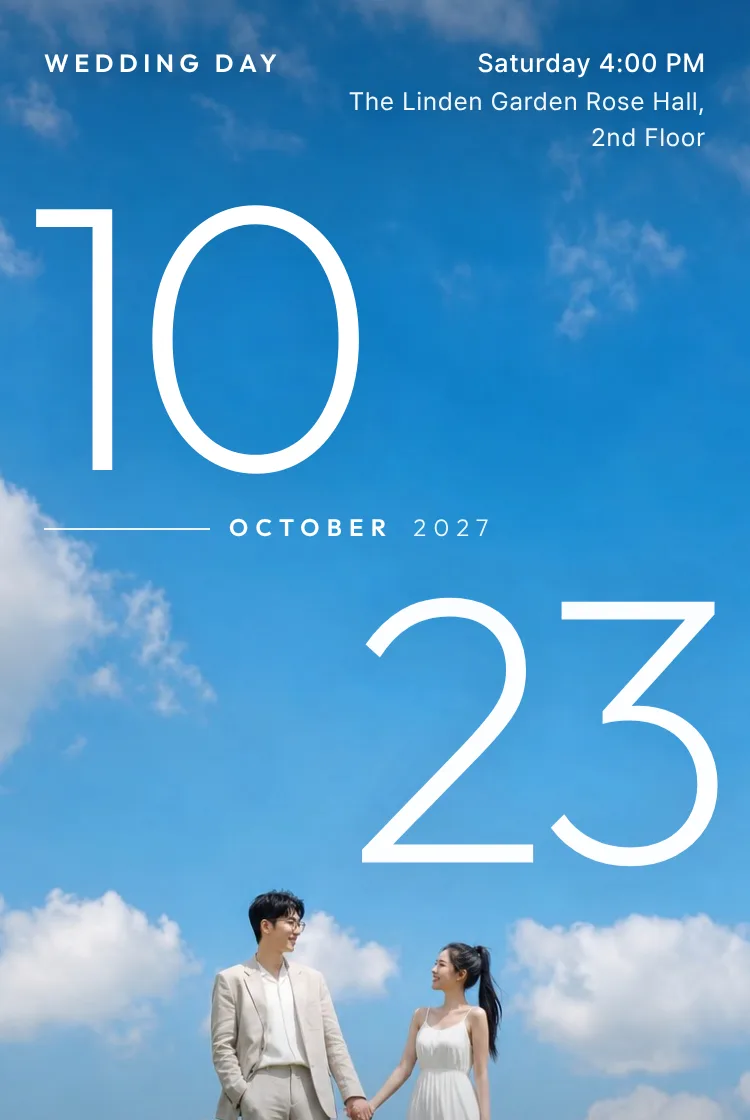
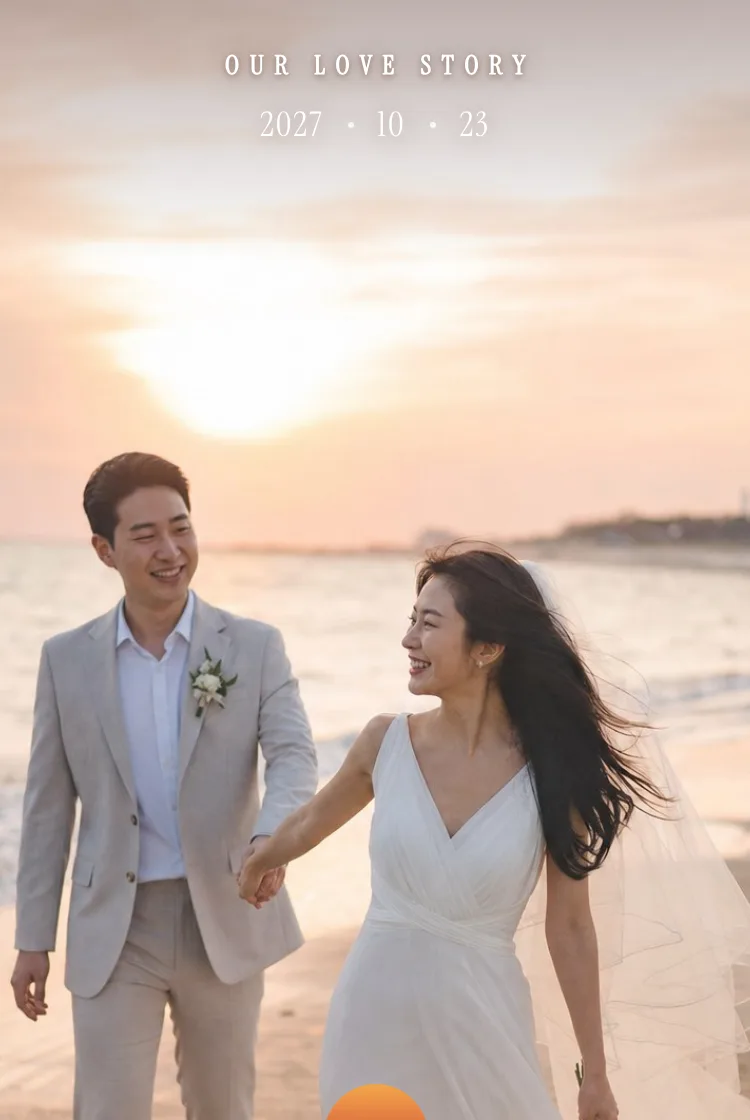
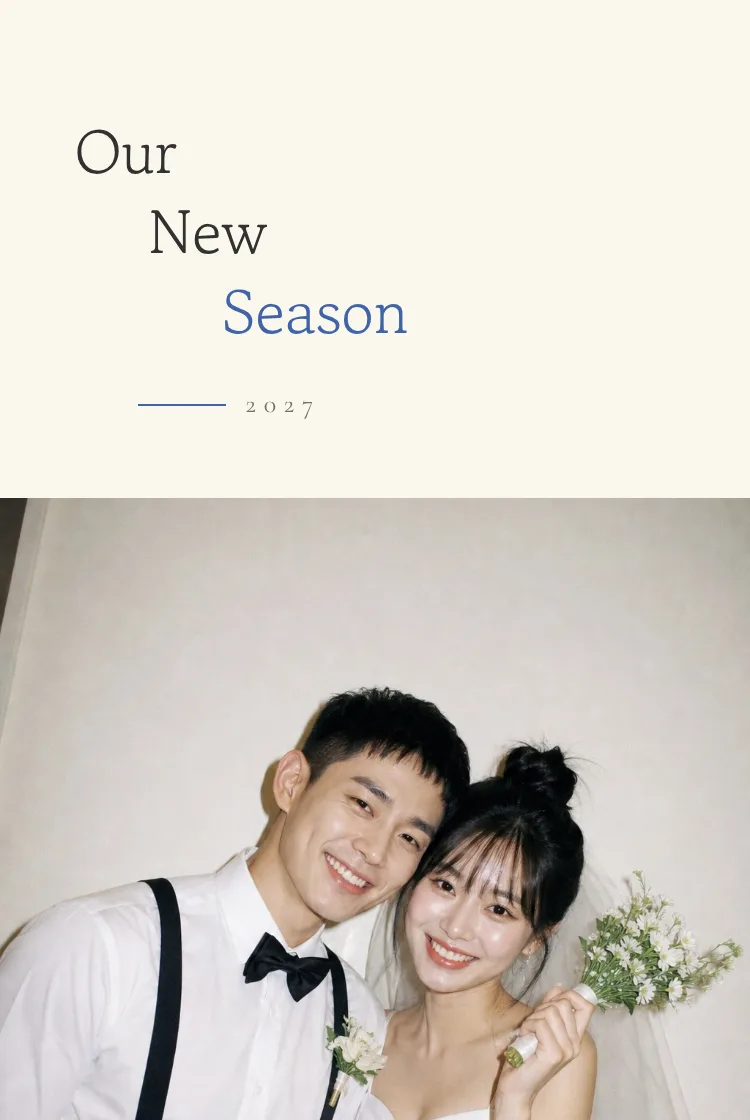
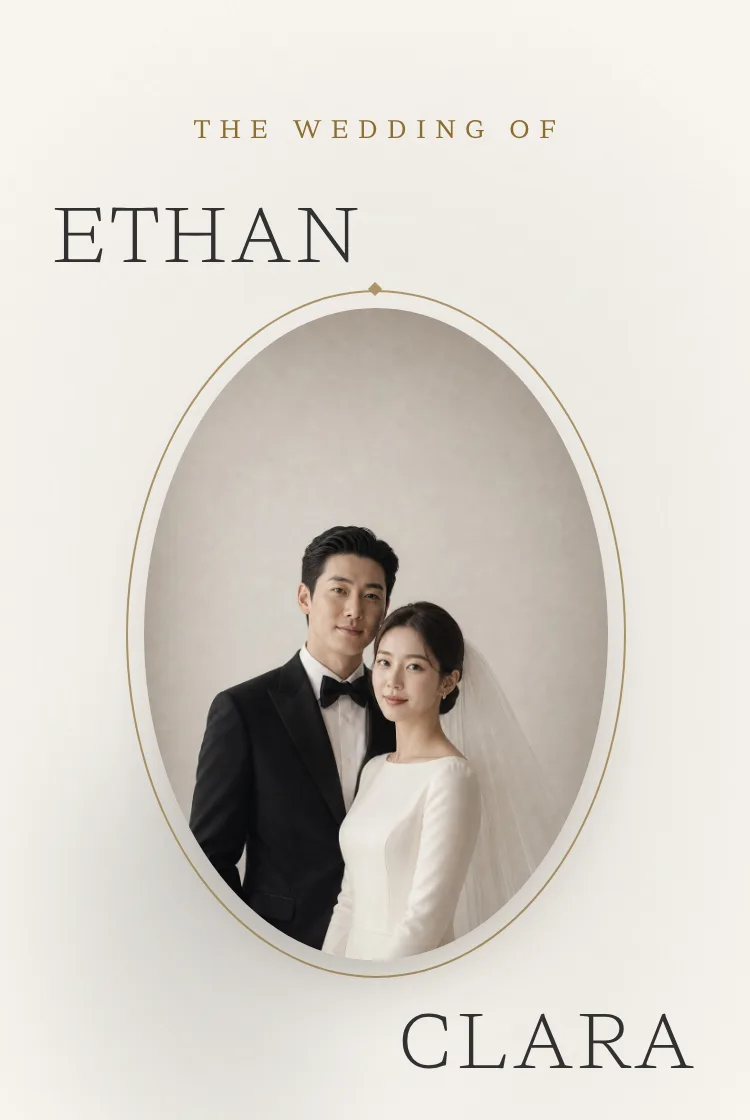
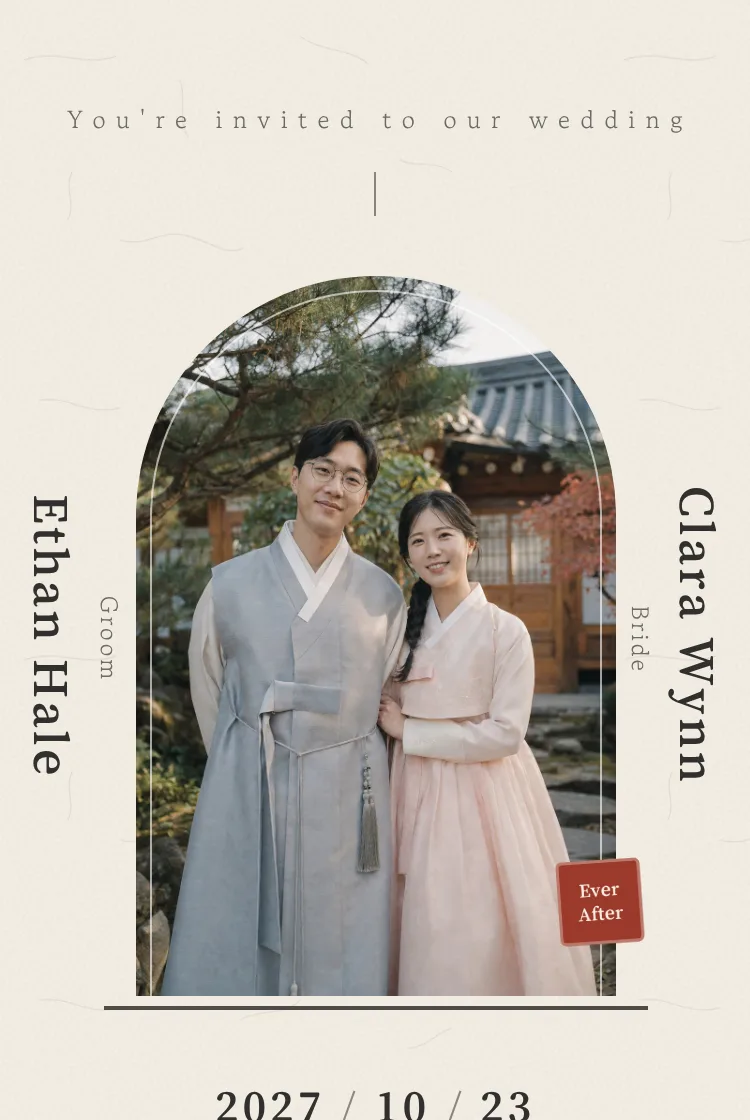
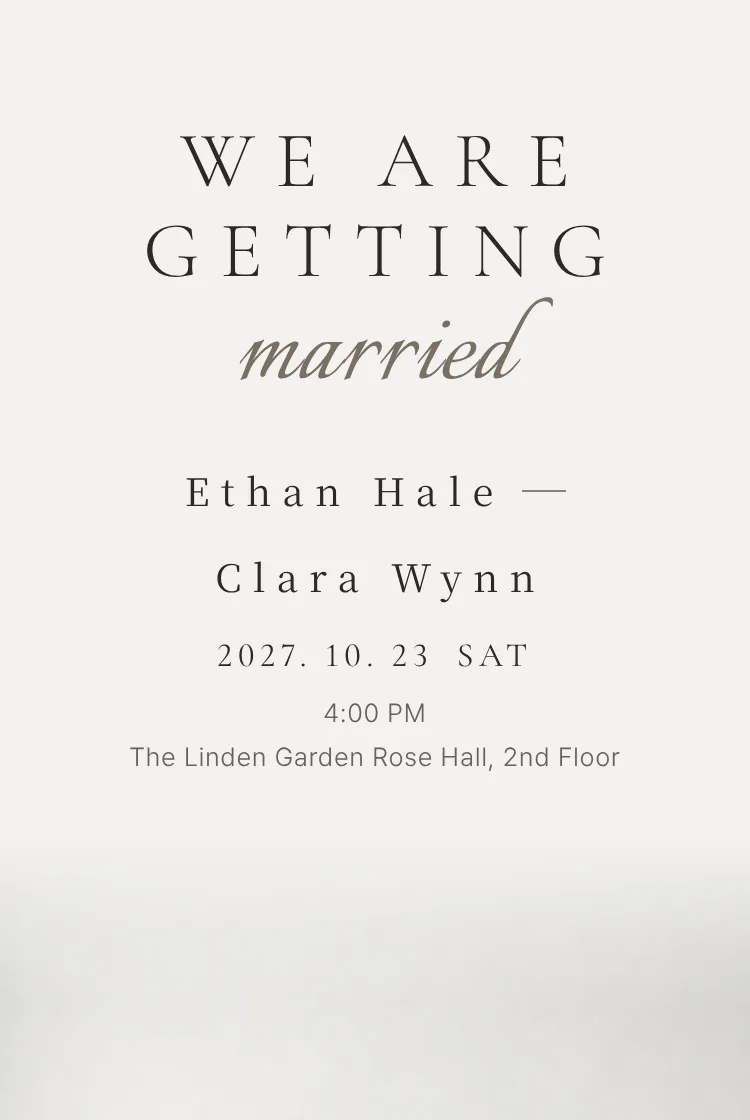
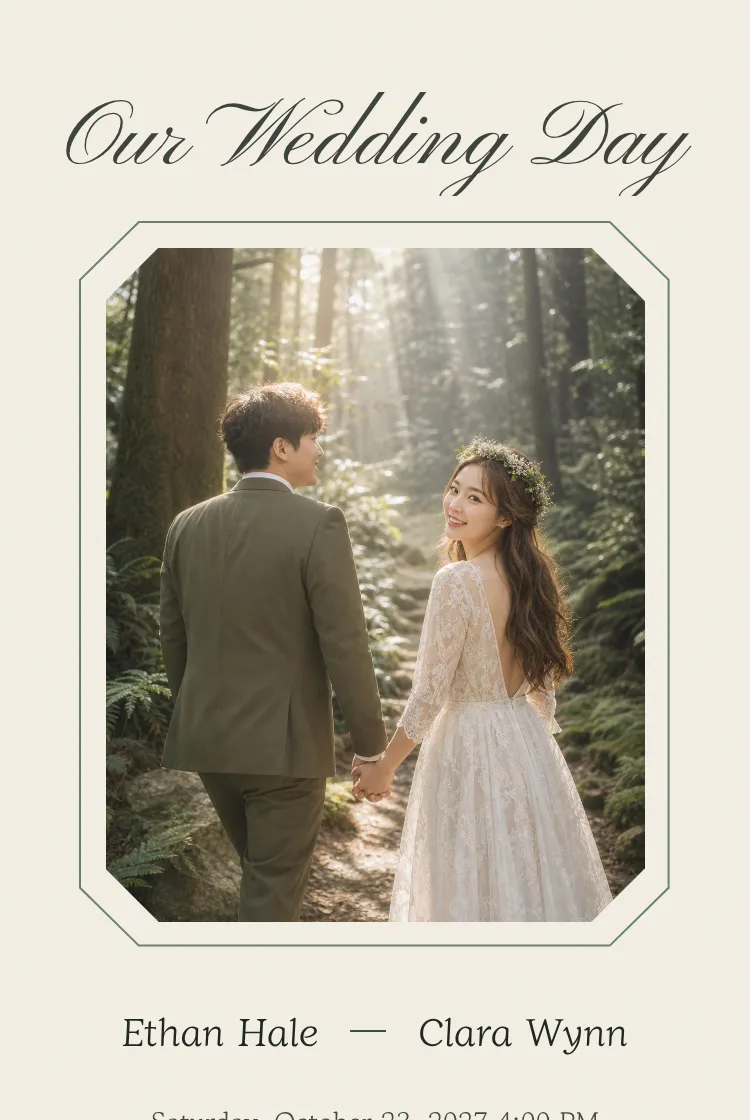
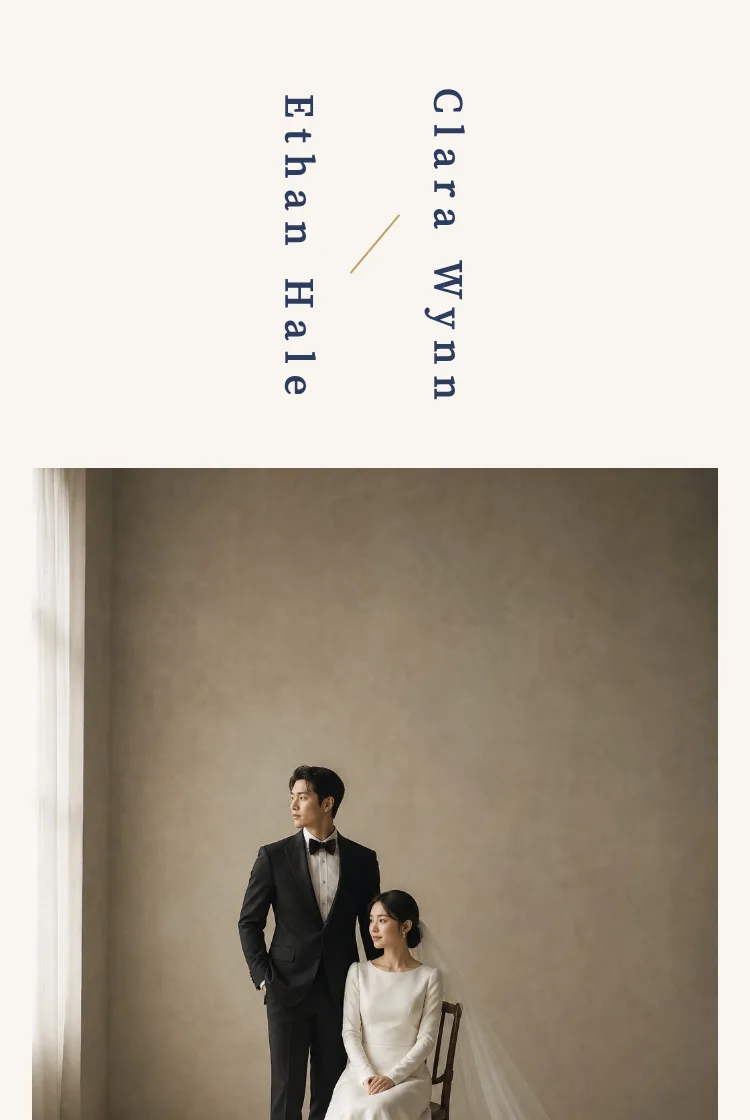
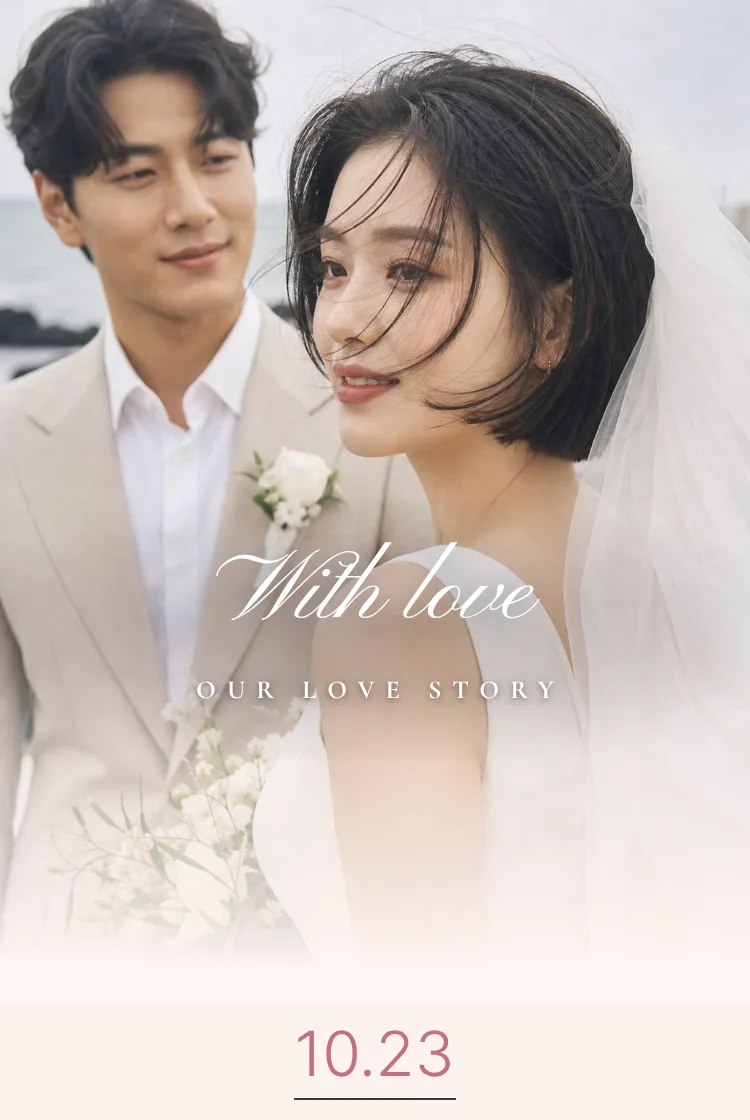
Sign up and design everything for free — pay only when you love itMake a free draft

MOMOCHEONG

Mobile wedding invitations

Share the start of your story,beautifully

Design your invitation with your photos and story, then send it to the people you love with a single link.

Start for free

Make it first,
pay only when you love it.

Example of the editor
Free

Finish your whole draft for free, before paying

Use every template and feature and check the phone preview. You only pay when you publish the link for your guests.

Start for free

Example of the phone preview
Unlimited edits

Unlimited edits after payment, within your plan

For 12 months from the payment date, there's no limit on publishing or editing. Republish and the same link updates right away.

See pricing

12 months of use from the payment date

What's different

Easy for you,
easy for your guests

Send the invitation, collect replies, and keep the memories after the wedding — all in one place.

  1. 1

    20 templates

    Even with a single photo, you can find a style that fits.

  2. 2

    Invitations per audience

    Write separate versions for parents, colleagues, and friends — each with its own link.

  3. 3

    Automatic RSVP totals

    Guest and meal counts for each side are tallied and downloadable as Excel.

  4. 4

    Guestbook management

    Hide or edit guest messages, and keep them for as long as you like.

  5. 5

    Heart QR · share images

    Create a QR code for paper invitations and images for social media in seconds.

  6. 6

    A link of your own

    Choose what comes after /i/ — like your names — and check it's available instantly.

  7. 7

    Visitor stats

    See how many people opened your invitation on a 7-day chart.

  8. 8

    Simple pricing

    Drafts are free; buy one pass when you publish. Add extras only if you want them.

Features

From sending
to collecting replies

These are real screens from the service. Names, contacts, and numbers are fictional examples.
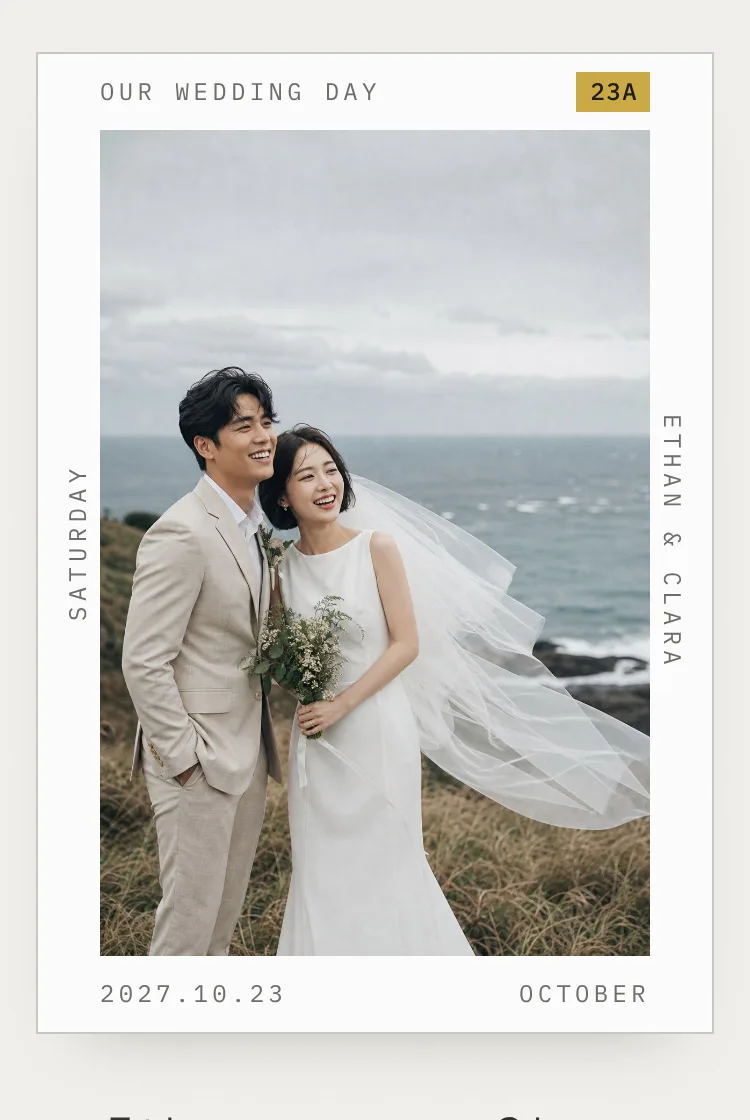
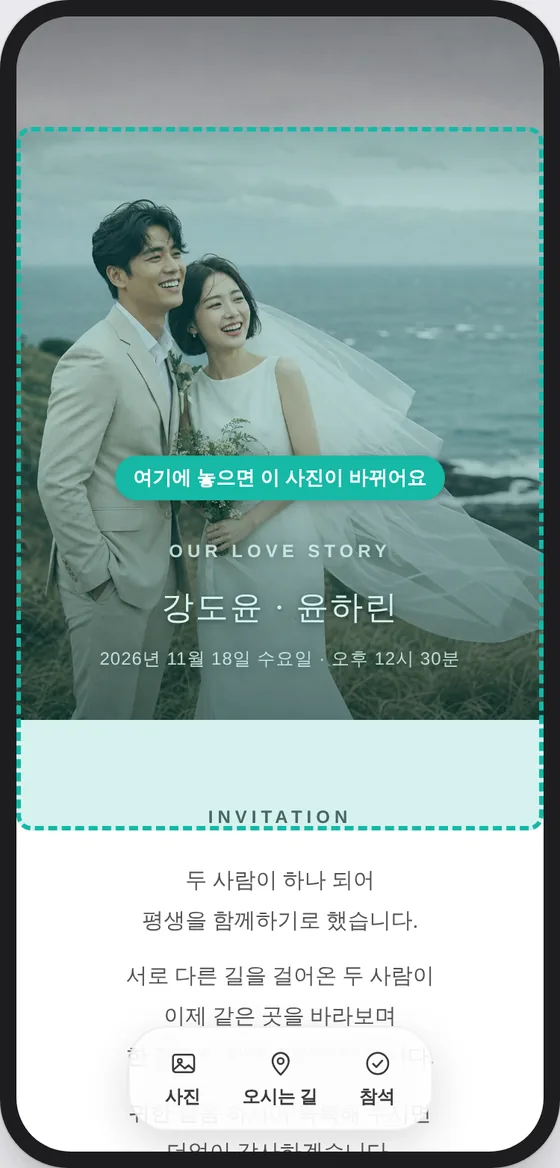
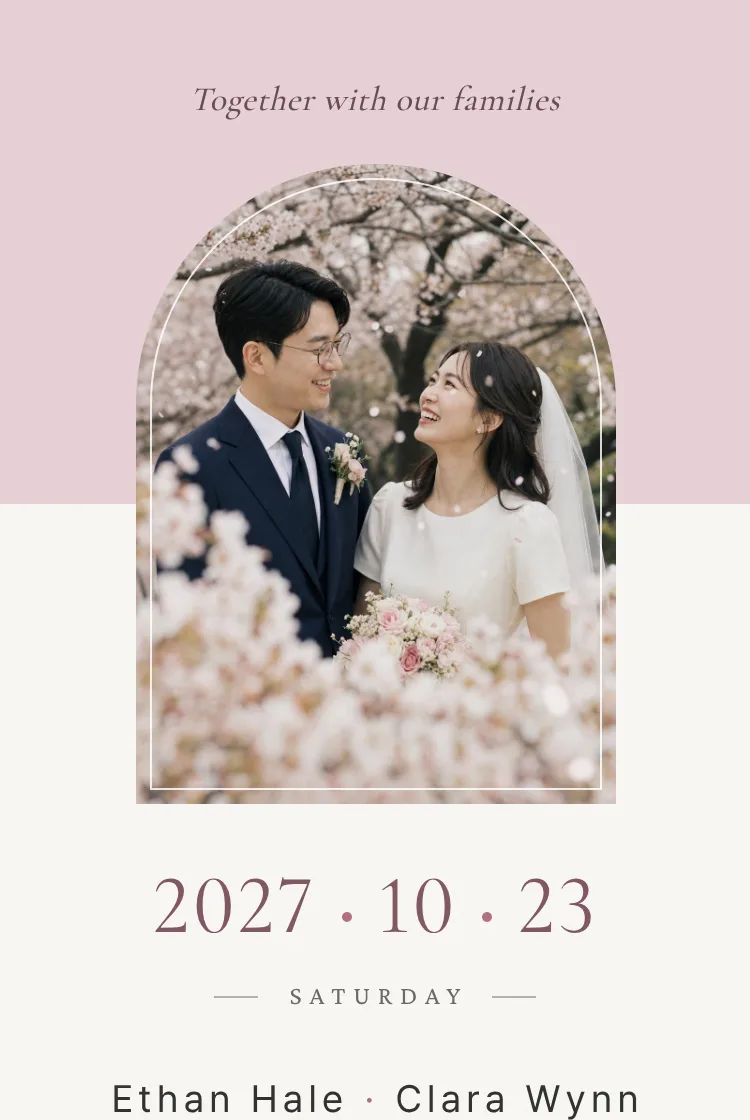
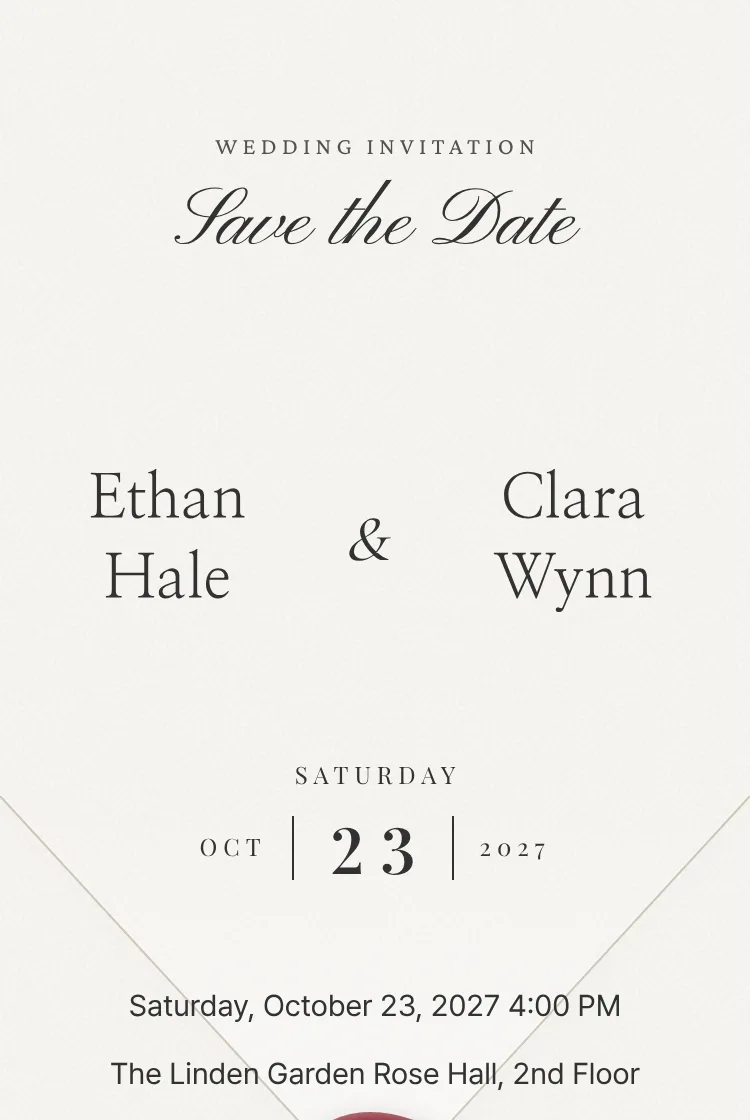
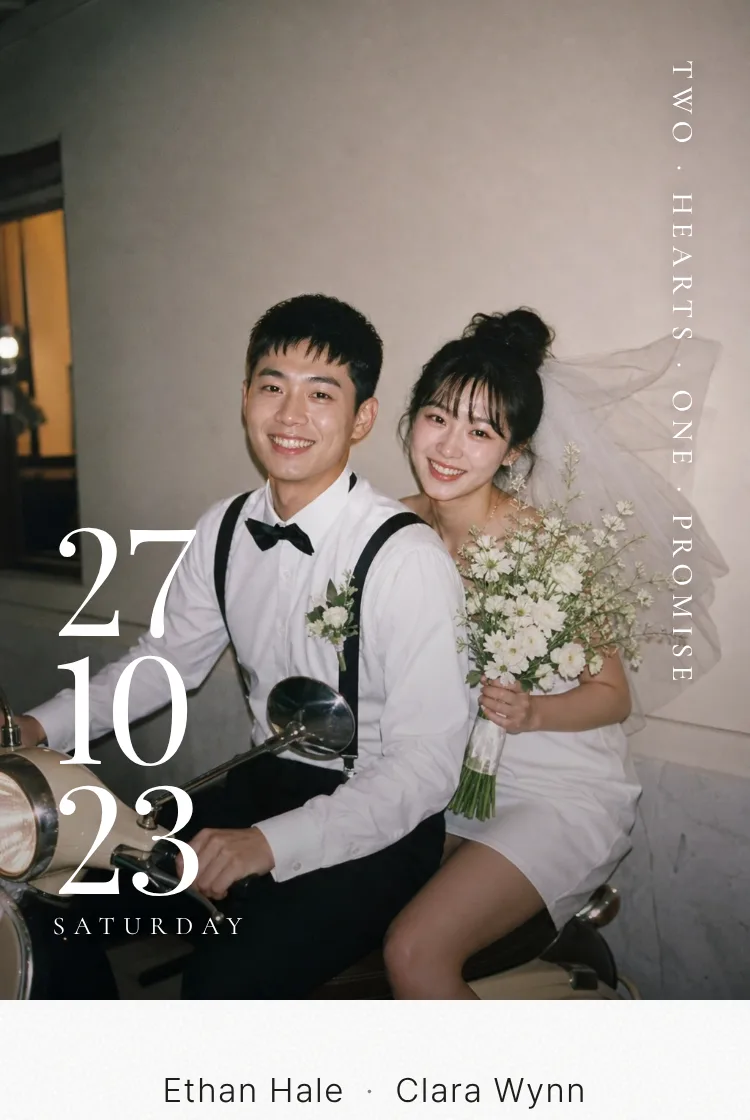
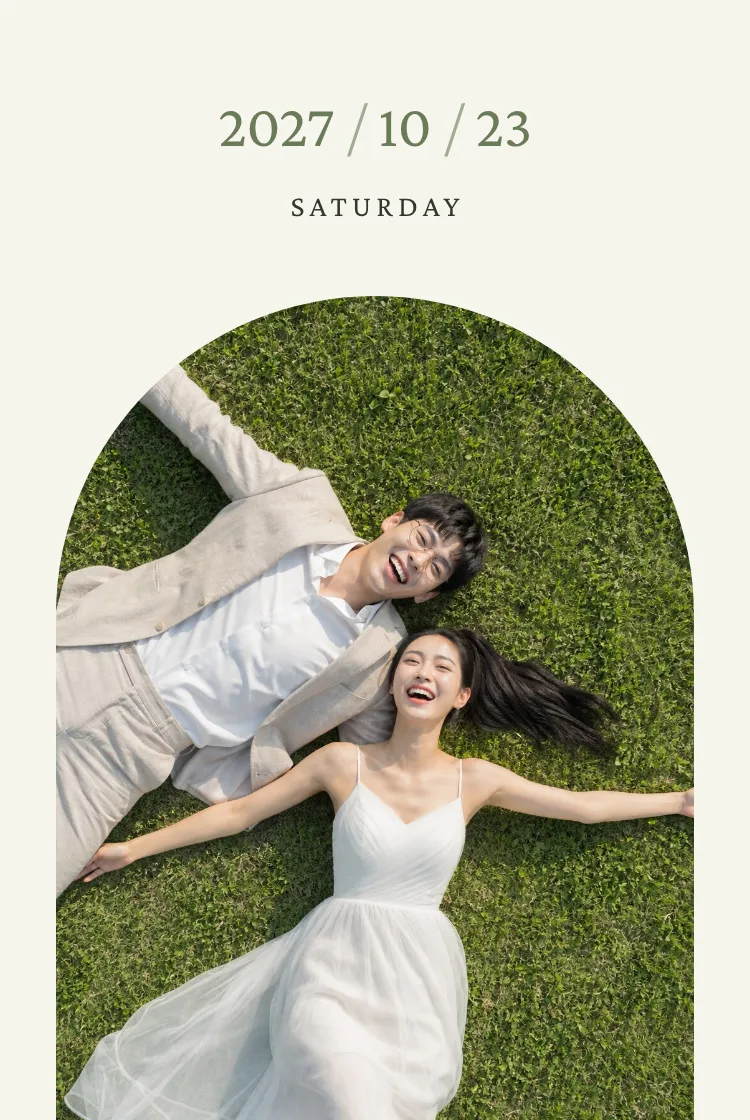
Opening screen of the Jeju Snap templateOpening screen of the Rose Paper templateOpening screen of the Envelope Letter template
Templates

The same photo,fresh in every template

Pick the one of 20 templates that suits your photos. Switching keeps your names, photos, and text.

  • A different opening for each template
  • Change theme colors and fonts separately
  • Preview a sample before you choose
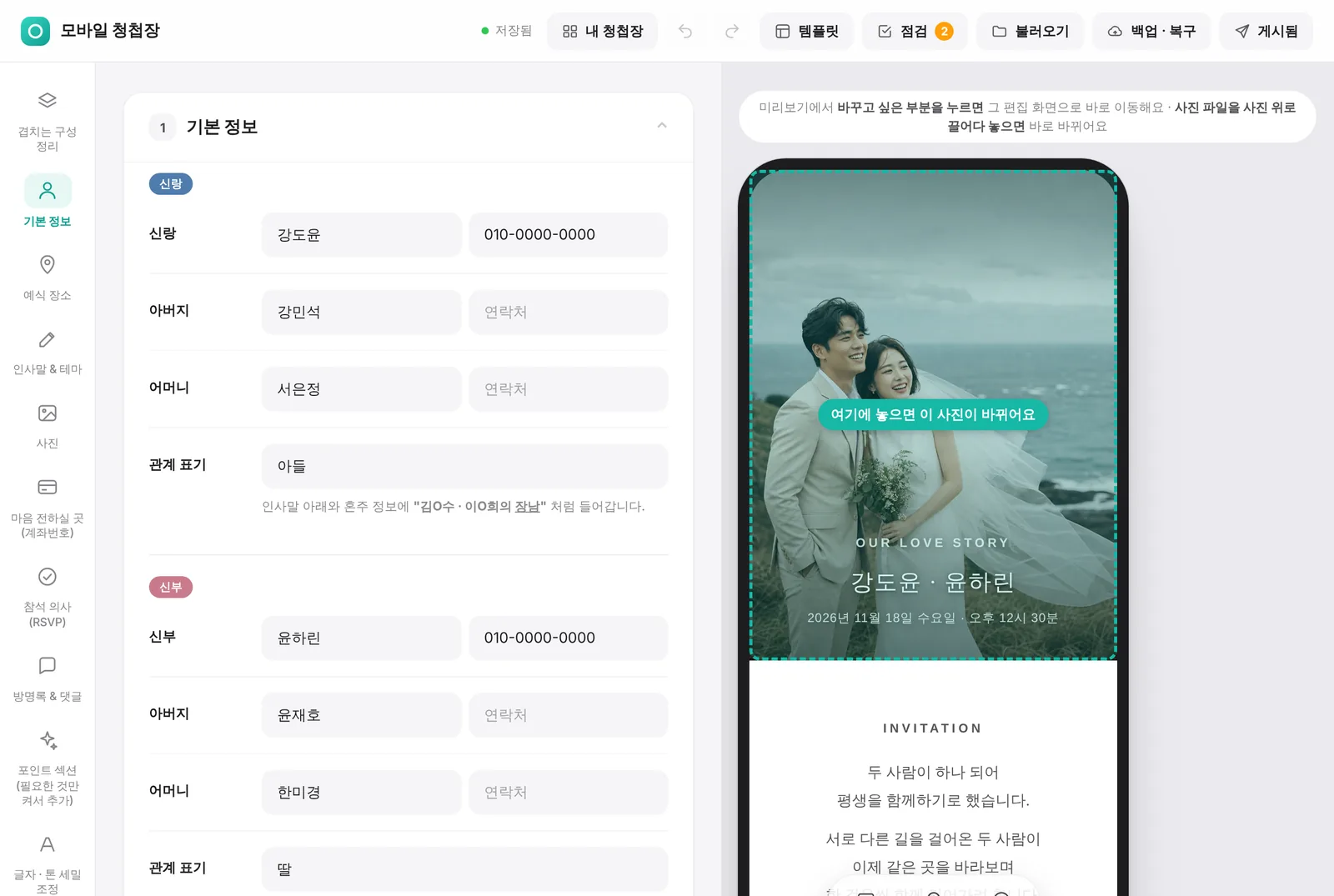
Editor example — dragging a new photo onto the preview
Editor

Edit and see iton the phone instantly

Changes on the left show up right away in the phone preview on the right. Drag a new photo onto any photo to replace it on the spot.

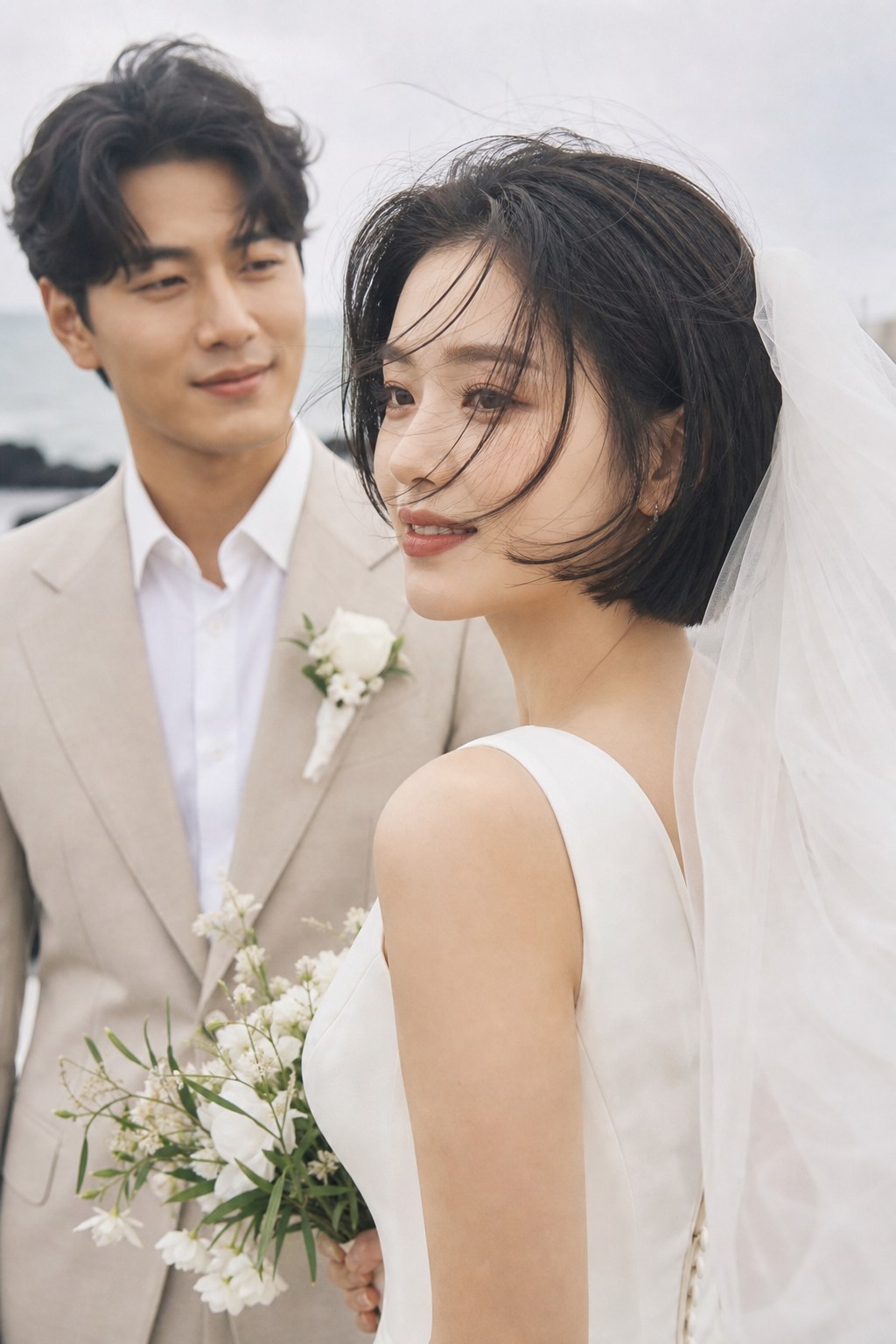
  • Live preview
  • Drag and drop to replace photos
  • Autosave · undo
Gallery example photo 1Gallery example photo 2Gallery example photo 3
Photos

Room for allyour wedding photos

Add your photos to a gallery that guests can tap to enlarge. Download all your original photos at once from My invitations.

  • Gallery · zoom view
  • Download all originals (zip)
  • Kept during your plan · forever with Keep Forever
RSVP management example (fictional guests)
RSVP

Know who's comingwithout the spreadsheet

When guests reply from the invitation, attendance and meal counts for the groom's and bride's sides are tallied automatically.

  • Attendance · meals by side
  • Download as Excel
  • Open 6 months before; contacts cleared 90 days after
Guestbook management example (fictional guests)
Guestbook

Keep your guests'wishes in one place

Read, hide, or edit messages from My invitations. Want to keep them longer? Add 'Keep messages'.
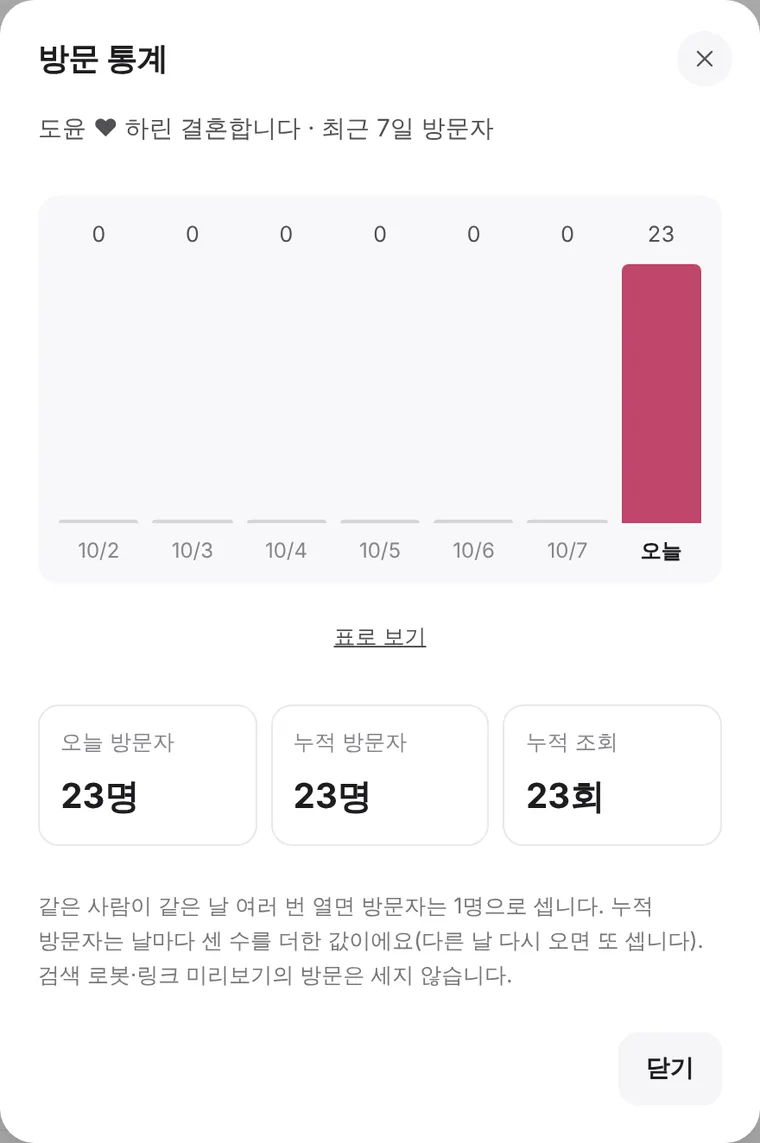
  • Hide · delete · fix typos
  • Open 6 months before the wedding
  • Keep messages +₩2,000 (≈ $1)
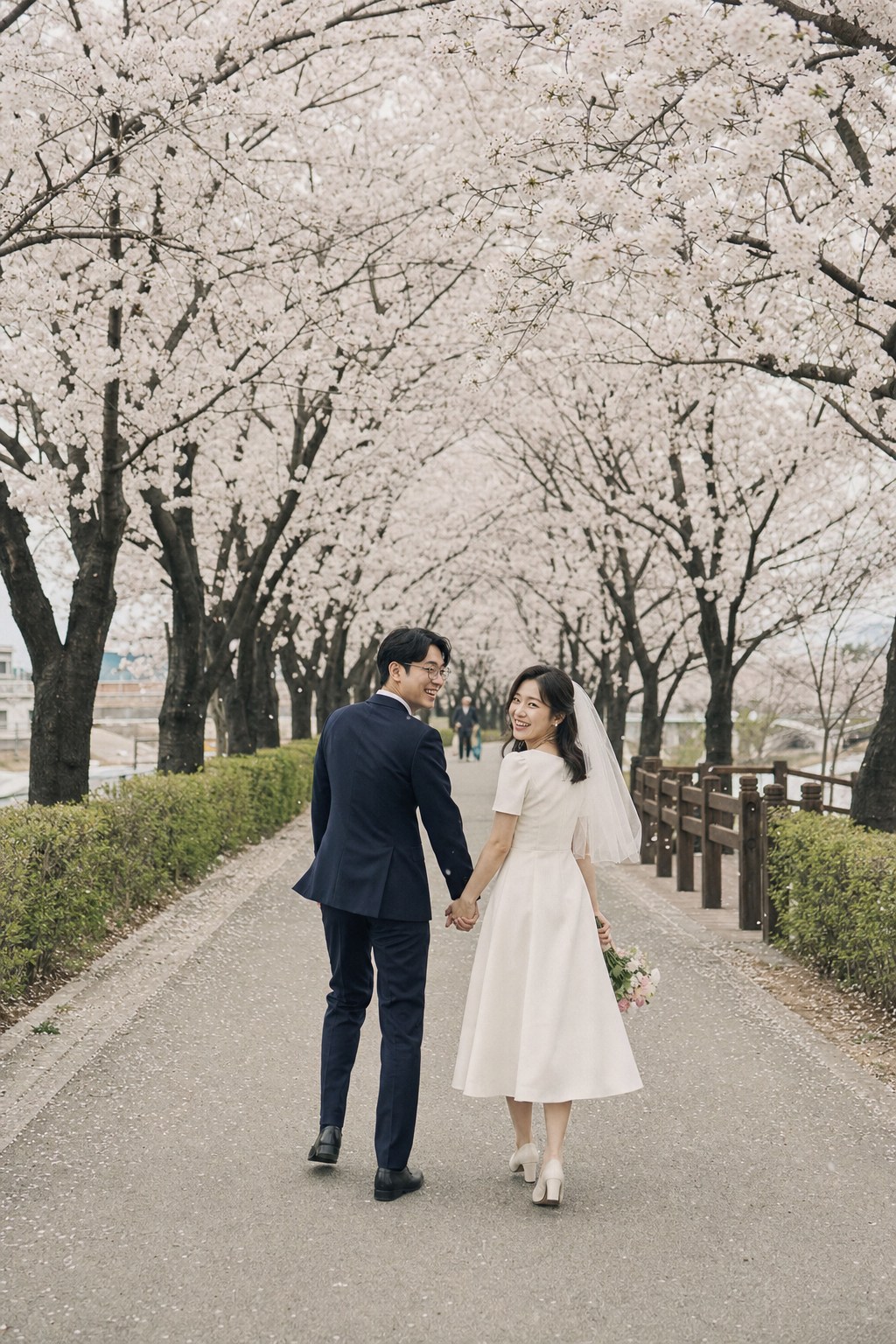
Visitor stats example
Visitor stats

How many opened it,at a glance

A chart shows how many people opened your invitation over the last 7 days. Repeat visits by the same person count once a day.

  • 7-day visitor chart
  • Today · total visitors
  • Search bots aren't counted
Heart QR

For paper invitations,a heart-shaped QR

Download your link as a heart-shaped QR and print it on paper invitations, meal tickets, or signs. Scan the QR here with your phone camera to open a sample.
  • Heart shape · heart dots · classic
  • 4 colors
  • Add your names below
Thank-you card

After the wedding,say thank you too

Your names, date and photos carry over from the invitation. Pick one photo and a message, and you get a link to send to every guest.
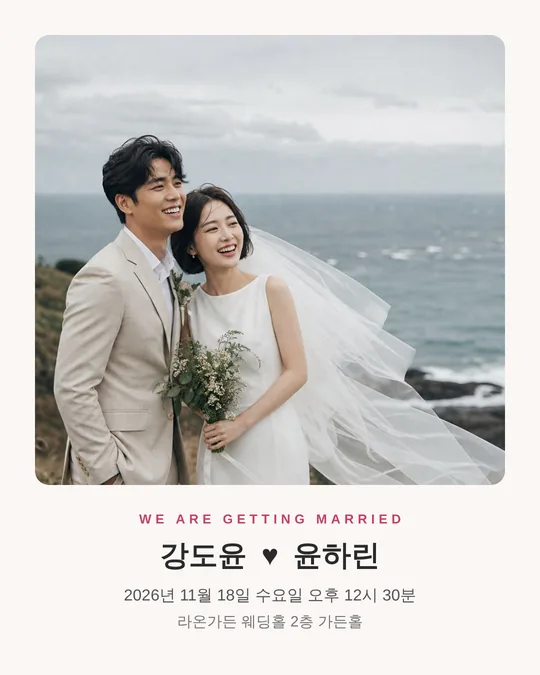

  • Choose a photo from your invitation
  • Pick a sample message or write your own
  • Send via KakaoTalk or copy the link
  • ₩9,900 (≈ $7) · also included in the Keepsake bundle
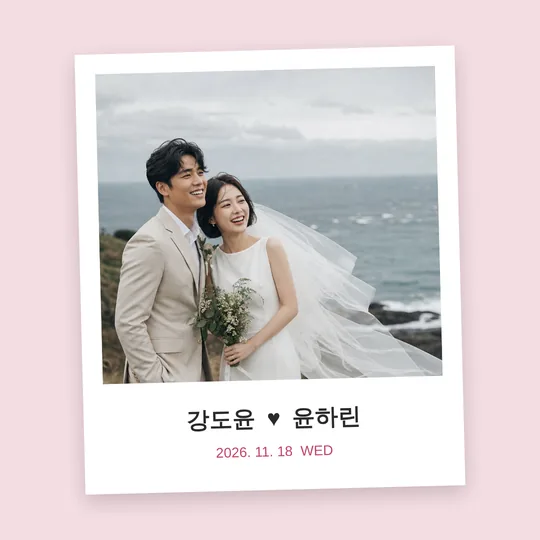
Example share image for Instagram feedExample share image for Instagram storiesExample card-style share image
Share images

Images for social media,made in one go

Instantly create images sized for Instagram feed and stories, KakaoTalk profile backgrounds, and cards.

  • 6 designs · 4 colors
  • Names, date, and venue filled in automatically
  • Free preview · download with a pass

All features

Everything the editor
can do, at a glance

  • RSVP

    Collects and tallies guest replies automatically.

    • Guests · meals for each side
    • Download as Excel
    • Open 6 months before
  • Guestbook

    Manage your guests' messages in one place.

    • Hide · delete · edit
    • Cleared 90 days after
    • Keep them longer if you like
  • Gift accounts

    Shows bank accounts for each side, neatly organized.

    • Copy account numbers in one tap
    • Grouped by side
    • Send-flowers button
  • Directions

    Add a map and transport guide together.

    • Venue name · address
    • Car · public transport · parking
    • Upload a map image
  • Contact

    Guests can reach the couple and parents directly.

    • Call · text shortcuts
    • Couple and both parents
  • D-DAY

    Shows the days left until the wedding.

    • Wedding date · time
  • Quick create

    Enter names, date, and venue to open a filled-in draft.

    • With one main photo
    • Finish the rest in the editor
  • Templates

    Choose from designs with different moods.

    • Switch any time
    • Photos and text stay
  • Opening

    Design the first scene when the invitation opens.

    • Curtain, arch, handwriting and more
    • Turn on or off
  • Video

    Add a YouTube video as a card.

    • Paste a link to get a thumbnail card
    • Plays on YouTube when tapped
  • Photo gallery

    Show your wedding photos beautifully.

    • Drag a photo onto another to replace it
    • Tap to zoom
  • Fonts · size

    Pick easy-to-read fonts and sizes.

    • Serif · sans · handwriting
    • Larger text for parents' version
  • Theme colors

    Match colors to your photos.

    • Ready-made palettes
    • Pick your own
  • Effects · music

    Add falling petals or snow, and background music.

    • Turn effects on or off
    • Add background music
  • Sections · order

    Show only what you need and reorder it.

    • Interview, timeline and other sections
    • Live preview
  • Versions per audience

    Write separate text for parents, colleagues, and friends.

    • A different link per version
    • Managed together
  • Heart QR

    Download your link as a heart-shaped QR.

    • Print on paper invitations · meal tickets
    • 4 colors
  • Share images

    Create images for social media instantly.

    • Instagram feed · stories
    • KakaoTalk profile background · card
  • Custom link

    Choose a link that's yours.

    • Check availability instantly
    • Old link still works for 6 months after a change
  • Visitor stats

    See how many people opened your invitation.

    • 7-day visitor chart
    • Today · total visitors
    • Visits by region
  • Mobile thank-you card

    From the day after the wedding, a thank-you note shows first at the same link.

    • Switches automatically
    • Wedding photo · thank-you message
  • Keep forever

    Keep your invitation online after the wedding.

    • Public with no time limit
    • Same link after the wedding

Pricing

Pricing is
this simple

Drafts

Free

  • Design with every template and feature
  • Phone preview
  • Share-image preview

Pass

₩4,900 (≈ $4)

  • Published for 12 months from payment
  • Unlimited edits during the plan
  • RSVP · guestbook · visitor stats
  • Download share images

Add if you need

  • Keep guestbook messages+₩2,000 (≈ $1)
  • Mobile thank-you card+₩9,900 (≈ $7)
  • Keepsake bundleKeep forever + keep messages + thank-you card (₩11,900 (≈ $9) separately)+₩19,900 (≈ $15)

Available only for invitations with a pass. 'Keep forever' and 'Keep messages' last for as long as we run the service — if we ever close, we'll tell you 30 days ahead so you can download everything.

Prices are in Korean won (KRW). ≈ amounts are estimates. You're charged in Korean won (KRW) at your card issuer's exchange rate. You can pay by bank transfer. Before publishing, you can request a full refund within 7 days of payment. See the Terms of Service for details.

Benefits →

Make your first draft
today

Sign up and start your first invitation right now.